
Read
Point the camera at a QR code or barcode, or choose an image you already have. Inspect the decoded text before you decide whether to open a link.
 Rook and Button for Android
Read a code on a sign or in a screenshot. See what it contains, save it for later, or make a QR code of your own.
The Android app is currently available to invited testers. We’ll add the Google Play link here when the public release is available.
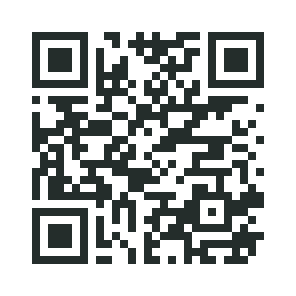
Try this QR code
Point the camera at a QR code or barcode, or choose an image you already have. Inspect the decoded text before you decide whether to open a link.
Turn text or a web address into a QR image. Export it as a PNG for a sign, an invitation, or a message.
Give a useful result a label and keep it on your device. Find it again without tracking down the original sign or screenshot.
Find out how to read a screenshot, reopen a saved result, or contact the studio.